





























1. Computer Fundamentals: Hardware, Software, Memory and Number Systems
Computer Knowledge questions are mostly direct facts. This lesson covers the basics that appear in almost every paper: generations, parts of a computer, input and output devices, memory units and number systems.
History and generations
- Charles Babbage is called the 'Father of the Computer'. He designed the Analytical Engine in the 1830s.
- ENIAC (1945) was an early general-purpose electronic digital computer. UNIVAC I (1951) was an early commercial computer.
- First generation (about 1940-1956): vacuum tubes. Second generation (about 1956-1963): transistors.
- Third generation (about 1964-1971): integrated circuits (ICs). Fourth generation (1971 onwards): microprocessors.
- Fifth generation: based on artificial intelligence (AI) and parallel processing; still developing.
Hardware, software and the CPU
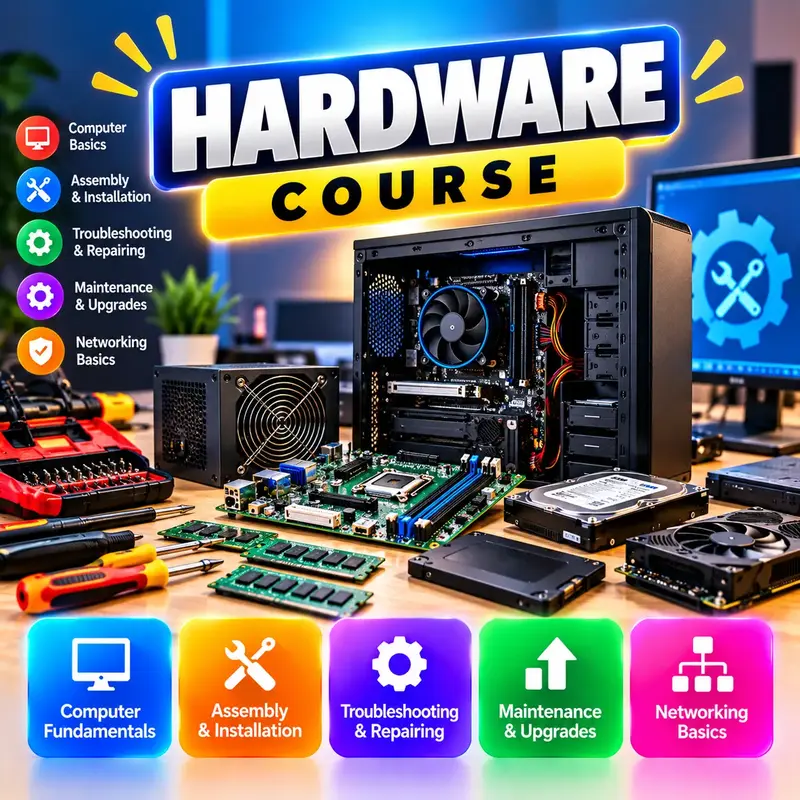
- Hardware is the physical parts you can touch. Software is the set of programs that tells the hardware what to do.
- System software runs the computer (operating system, device drivers, utilities). Application software does user tasks (MS Word, browsers, Tally).
- The CPU (Central Processing Unit) is the 'brain' of the computer. It has the ALU (Arithmetic Logic Unit), the CU (Control Unit) and registers.
- Input devices: keyboard, mouse, scanner, microphone, webcam, barcode reader, OMR, MICR (used for cheques), light pen, joystick.
- Output devices: monitor, printer, speaker, projector, plotter. A touch screen is both input and output.
- A compiler translates the whole program at once; an interpreter translates line by line; an assembler converts assembly language to machine code.
Memory and storage
- Primary memory: RAM is volatile (data is lost when power goes off); ROM is non-volatile (keeps data, e.g. the start-up firmware).
- Cache memory is a small, very fast memory between the CPU and RAM. Registers inside the CPU are the fastest of all.
- Secondary storage keeps data permanently: hard disk (HDD, magnetic), SSD and pen drive (flash memory), CD/DVD/Blu-ray (optical).
- Units: 1 bit = 0 or 1; 4 bits = 1 nibble; 8 bits = 1 byte.
- 1 KB = 1024 bytes; 1 MB = 1024 KB; 1 GB = 1024 MB; 1 TB = 1024 GB; 1 PB = 1024 TB (the convention used in exams).
Number systems basics
- Binary is base 2 (digits 0, 1). Octal is base 8 (0-7). Decimal is base 10 (0-9). Hexadecimal is base 16 (0-9 and A-F, where A = 10 and F = 15).
- Binary to decimal: multiply each digit by its place value (1, 2, 4, 8, 16 ... from the right). Example: 1101 = 8 + 4 + 0 + 1 = 13.
- Decimal to binary: divide by 2 again and again and read the remainders from bottom to top. Example: 10 = 1010.
- Computers work in binary because electronic circuits have two states: on (1) and off (0).
Quick facts
- Father of the Computer
- Charles Babbage
- 1st / 2nd generation
- vacuum tubes / transistors
- 3rd / 4th generation
- integrated circuits / microprocessors
- Volatile memory
- RAM
- Fastest memory
- CPU registers, then cache
- 8 bits
- 1 byte
- 1 KB
- 1024 bytes
- Binary 1101
- decimal 13
💡 Memorise the memory ladder in order: bit, nibble, byte, KB, MB, GB, TB, PB. Each step after byte is x 1024 in exam questions.
📝 5-question quiz on this lesson: enrol free to take it and track your score.