Nishu DigiLearn
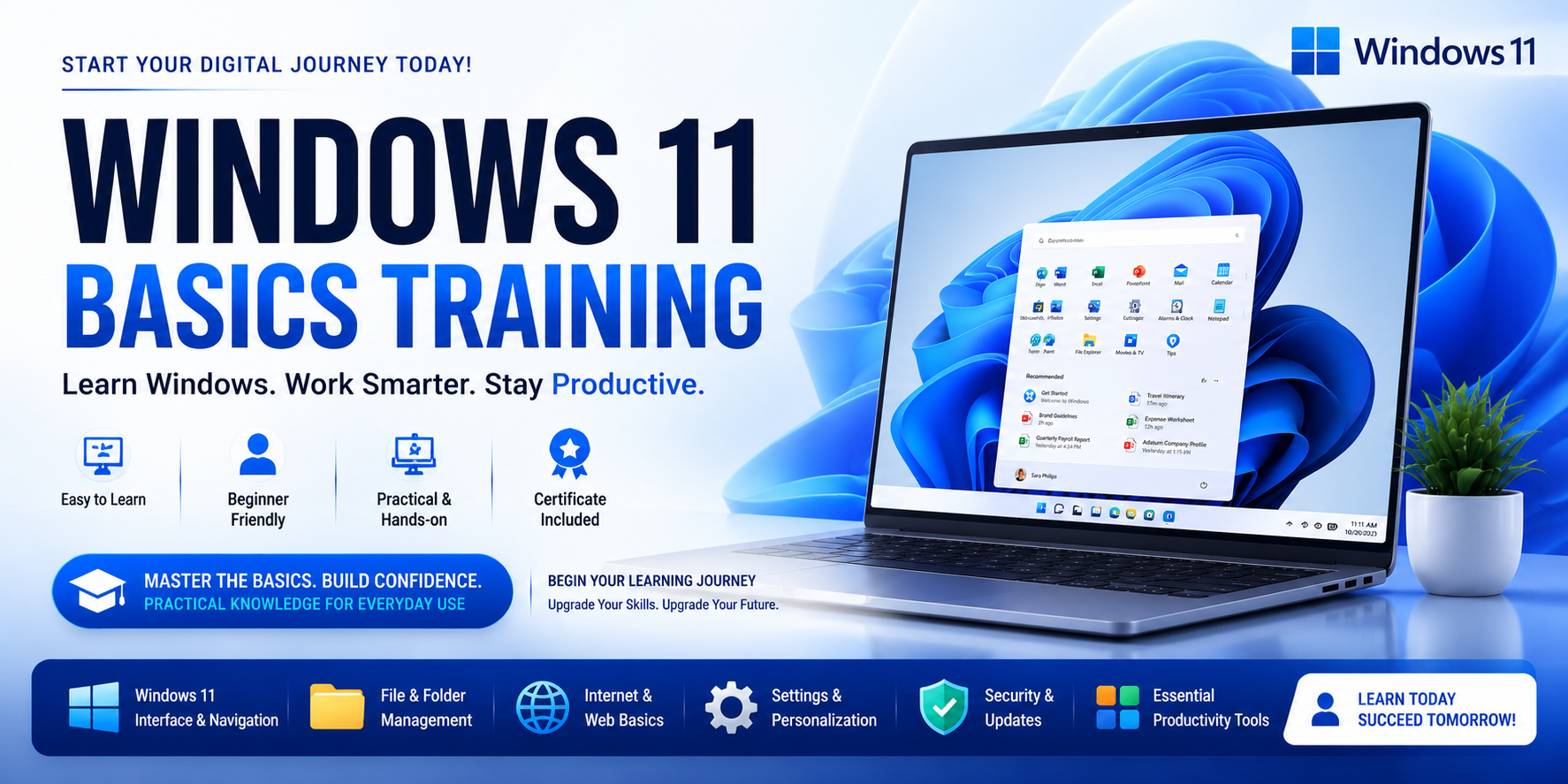
This course is designed for beginners who want to learn how to use Windows 11 confidently for personal, educational, or professional purposes. Students will learn the Windows desktop environment, file management, internet usage, personalization settings, basic troubleshooting, and essential productivity skills required for modern workplaces. No prior computer experience is required.
📄 Download course outline Enrol free →Get familiar with the Windows 11 environment, desktop components and navigation.
Learn to manage files and folders using File Explorer.
Customize your Windows 11 experience with settings and personalization options.
Connect to the internet and browse safely using Microsoft Edge.
Use built-in Windows tools to complete everyday tasks efficiently.
Keep your computer safe and well-maintained with Windows security tools.