
Video Editing for Reels and YouTube
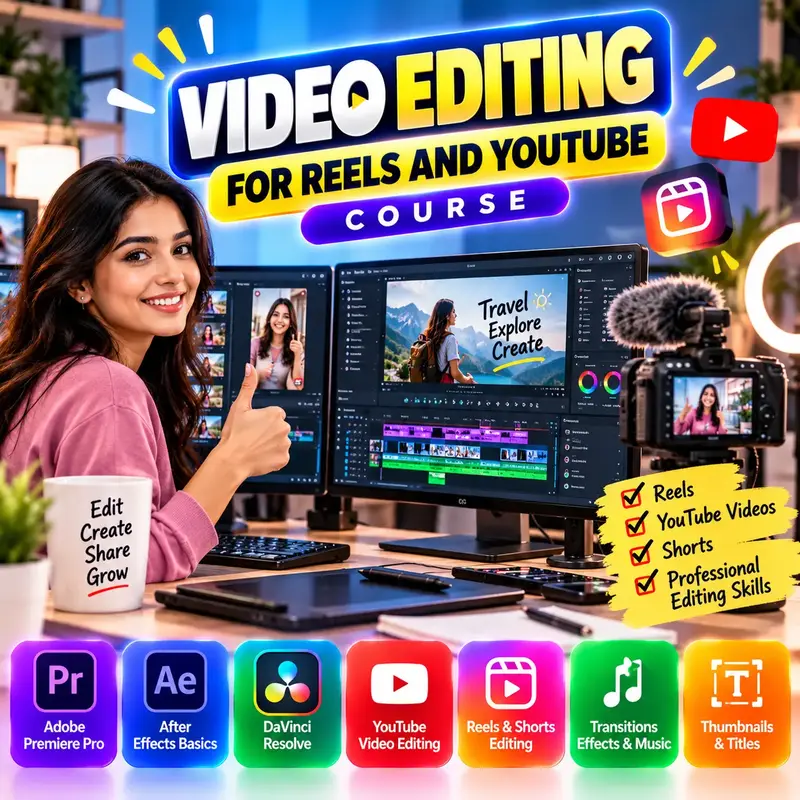
This course is for students, new creators and small business owners who want to make good videos for Instagram Reels, YouTube Shorts and YouTube. You will learn the basics of video, shoot clean footage with your phone, and edit it with free mobile apps and the free version of DaVinci Resolve on a computer. You will also learn to add music and captions without copyright problems, correct colour, and export the right settings for each platform. After the course you can plan, shoot, edit and publish your own videos and read your analytics to improve them.
👨🏫 By Nishu DigiLearn, a Tessovate Technologies initiative
Total including GST • applied automatically at checkout
🎉 Special online price
Already have an account? Sign inWhat you'll learn
Curriculum
8 modules • 22 lessons • 5 weeks
1 Video Basics Week 1 • 3 lessons FREE PREVIEW
Understand resolution, aspect ratio, frame rate, bitrate and codecs in simple words, choose your editing apps, and plan a video before you shoot.
✅ Quiz after each lesson • 📥 PDF notes
Preview this module →2 Shooting with a Phone Week 1 • 3 lessons
Get clean, well-lit, steady footage with clear sound using only a phone and low-cost accessories.
✅ Quiz after each lesson • 📥 PDF notes
3 Editing Basics Week 2 • 3 lessons
Import clips, cut and arrange them on the timeline, use J and L cuts, add simple transitions, text and automatic captions.
✅ Quiz after each lesson • 📥 PDF notes
4 Audio and Music Week 2-3 • 3 lessons
Record voice-overs, balance voice and music, reduce noise, add sound effects and use only licensed music.
✅ Quiz after each lesson • 📥 PDF notes
5 Colour and Effects Week 3 • 3 lessons
Correct exposure and white balance, give videos a consistent look, and use speed ramps, keyframes and green screen.
✅ Quiz after each lesson • 📥 PDF notes
6 DaVinci Resolve (Free) Basics Week 4 • 3 lessons
Learn the free professional editor DaVinci Resolve: its pages, project settings, editing on the Cut and Edit pages, and rendering on the Deliver page.
✅ Quiz after each lesson • 📥 PDF notes
7 Publishing and Growth Week 5 • 3 lessons
Export with the right settings, design thumbnails in Canva, write titles and descriptions, post consistently and read analytics honestly.
✅ Quiz after each lesson • 📥 PDF notes
8 Final Assessment Week 5 • 1 lesson
A timed test covering the whole course. Pass it to complete the course and earn your certificate.
✅ Quiz after each lesson • 📥 PDF notes
Requirements
- No prior computer knowledge needed
- Open to anyone aged 10 and above
- A phone or computer with internet
🏆 Certificate
Finish all modules and pass each lesson quiz (70%) to earn your unique NDL certificate with QR verification.
📚
Finish lessons
✅
Pass quizzes (70%)
🎓
Get certified
Course FAQ
Is this course good for beginners?
Yes. It starts from the very basics, with practical tasks and a quiz after each lesson.
Will I get a certificate?
Yes. Finish all modules and pass the lesson quizzes (70%) to earn your unique NDL certificate with QR verification.
Can I learn online or at the institute?
Both. Learn from home online or attend at our institute, with the same quality either way.
How do I pay?
Pay securely through Razorpay with UPI, cards or netbanking. The price is ₹999 plus 18% GST, shown at checkout. Use code LAUNCH50 for a discount.
What's included
- ✓8 modules over 5 weeks
- ✓22 video lessons
- ✓Quiz after every lesson
- ✓PDF notes (watermarked with your name)
- ✓Unique NDL certificate with QR
- ✓Attendance & streak tracker
- ✓WhatsApp support
Need help choosing?
Talk to us on WhatsApp for free guidance on the right course.
WhatsApp us📞 +91 76769 02281
Ready to start?
₹999 + GST, lifetime access.
Related courses
Web Design Basics
9 modules • 6 weeks
🏆 Certificate included
Graphic Design with Canva and Photoshop
9 modules • 6 weeks
🏆 Certificate included
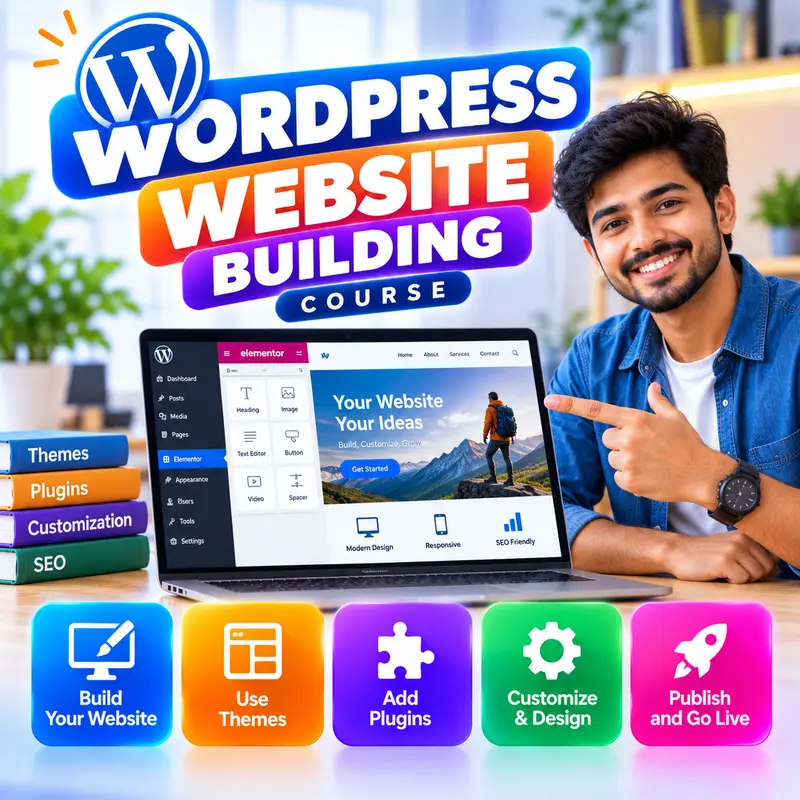
WordPress Website Building
9 modules • 6 weeks
🏆 Certificate included
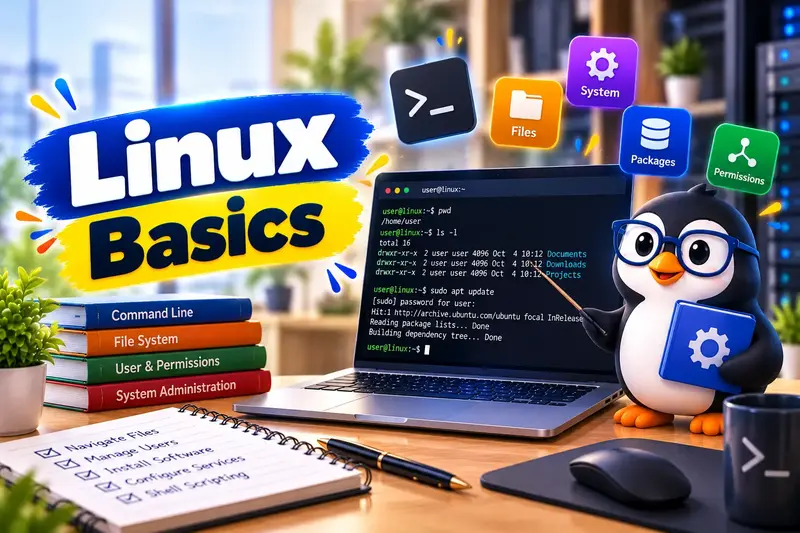
Linux Basic Course
9 modules • 6 weeks
🏆 Certificate included