









MS Word and PowerPoint for Office
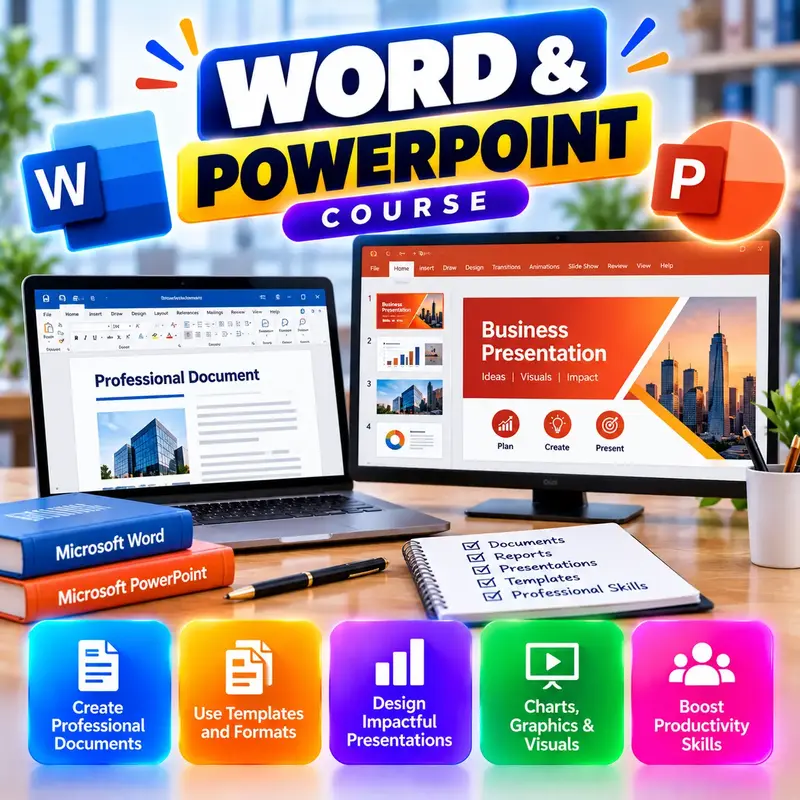
This course is for beginners, students and job seekers who need to create everyday office documents and presentations. You will learn Microsoft Word to type, format and print letters, quotations, notices, resumes and long project reports with page numbers and a table of contents. You will use mail merge to make many letters or certificates at once, and share files safely as PDF or through OneDrive. In PowerPoint you will build clean business presentations with pictures, charts and simple animations, and present them confidently with Presenter View. After the course you can handle the Word and PowerPoint work expected in most Indian offices.
👨🏫 By Nishu DigiLearn, a Tessovate Technologies initiative
Total including GST • applied automatically at checkout
🎉 Special online price
Already have an account? Sign inWhat you'll learn
Curriculum
9 modules • 25 lessons • 5 weeks
1 Word Basics Week 1 • 3 lessons FREE PREVIEW
Find your way around Word, create and save documents, and type and edit text quickly.
✅ Quiz after each lesson • 📥 PDF notes
Preview this module →2 Formatting Documents Week 1-2 • 3 lessons
Make documents neat and professional with fonts, paragraph settings, lists and styles.
✅ Quiz after each lesson • 📥 PDF notes
3 Page Layout and Long Documents Week 2 • 3 lessons
Set up pages, add headers, footers and page numbers, and build project reports with a table of contents.
✅ Quiz after each lesson • 📥 PDF notes
4 Tables, Pictures and Mail Merge Week 2-3 • 3 lessons
Create quotations with tables, add pictures and shapes, and make many letters or certificates with mail merge.
✅ Quiz after each lesson • 📥 PDF notes
5 Review, Protect and Share Week 3 • 3 lessons
Check spelling and grammar, work with Track Changes and comments, protect, print and share your documents.
✅ Quiz after each lesson • 📥 PDF notes
6 PowerPoint Basics Week 4 • 3 lessons
Create presentations with slides, layouts and themes, organise them, and add speaker notes.
✅ Quiz after each lesson • 📥 PDF notes
7 Visuals and Motion Week 4-5 • 3 lessons
Add pictures, icons, SmartArt, charts and tables, use transitions and animations with care, and control design with the Slide Master.
✅ Quiz after each lesson • 📥 PDF notes
8 Presenting with Confidence Week 5 • 3 lessons
Run your slide show with Presenter View, rehearse timings, present well and export as PDF or video.
✅ Quiz after each lesson • 📥 PDF notes
9 Final Assessment Week 5 • 1 lesson
A timed test covering the whole course. Pass it to complete the course and earn your certificate.
✅ Quiz after each lesson • 📥 PDF notes
Requirements
- No prior computer knowledge needed
- Open to anyone aged 10 and above
- A phone or computer with internet
🏆 Certificate
Finish all modules and pass each lesson quiz (70%) to earn your unique NDL certificate with QR verification.
📚
Finish lessons
✅
Pass quizzes (70%)
🎓
Get certified
Course FAQ
Is this course good for beginners?
Yes. It starts from the very basics, with practical tasks and a quiz after each lesson.
Will I get a certificate?
Yes. Finish all modules and pass the lesson quizzes (70%) to earn your unique NDL certificate with QR verification.
Can I learn online or at the institute?
Both. Learn from home online or attend at our institute, with the same quality either way.
How do I pay?
Pay securely through Razorpay with UPI, cards or netbanking. The price is ₹699 plus 18% GST, shown at checkout. Use code LAUNCH50 for a discount.
What's included
- ✓9 modules over 5 weeks
- ✓25 video lessons
- ✓Quiz after every lesson
- ✓PDF notes (watermarked with your name)
- ✓Unique NDL certificate with QR
- ✓Attendance & streak tracker
- ✓WhatsApp support
Need help choosing?
Talk to us on WhatsApp for free guidance on the right course.
WhatsApp us📞 +91 76769 02281
Ready to start?
₹699 + GST, lifetime access.
Related courses

AI Tools for Work
8 modules • 4 weeks
🏆 Certificate included
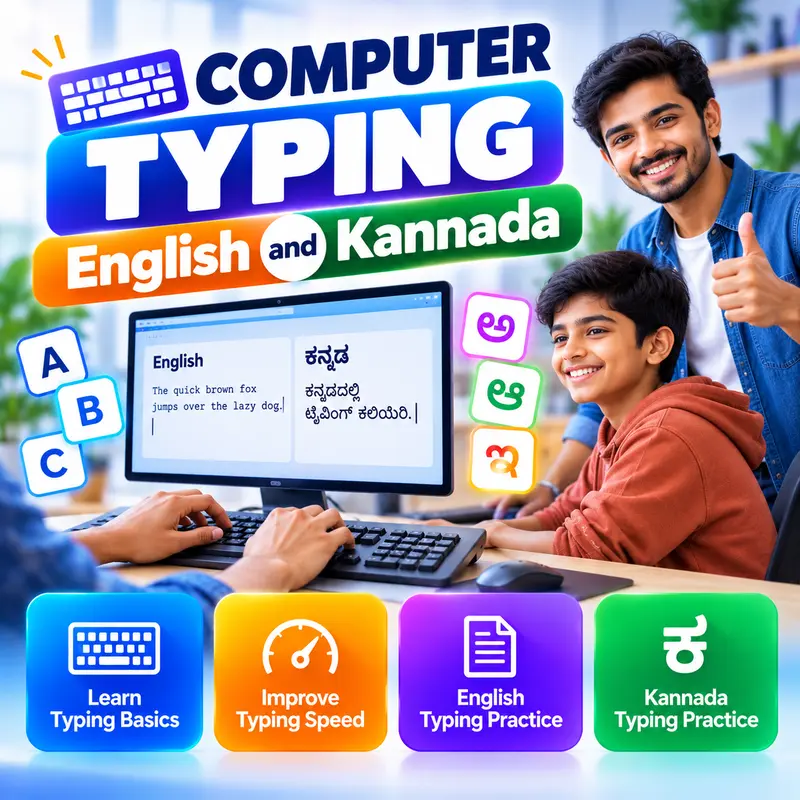
Computer Typing: English and Kannada
9 modules • 6 weeks
🏆 Certificate included
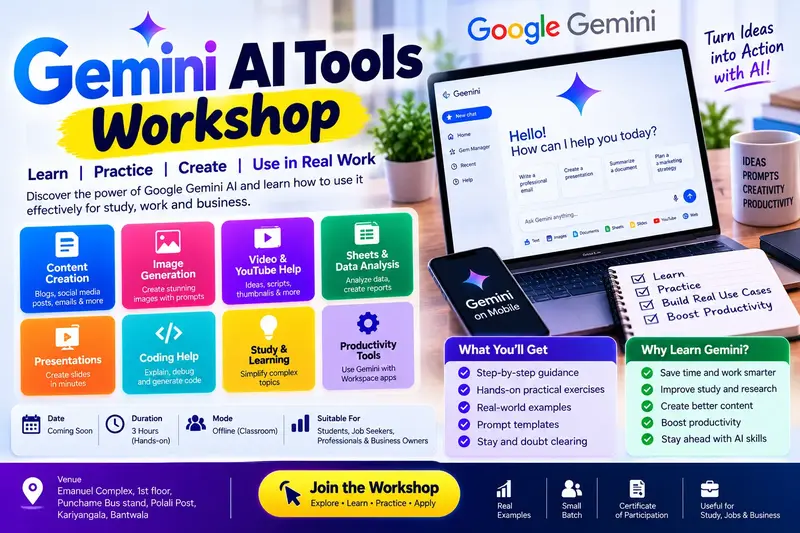
Gemini AI Tools Workshop: 8 Practical Parts
10 modules • 4 weeks
🏆 Certificate included

MS Excel for Jobs
9 modules • 6 weeks
🏆 Certificate included