









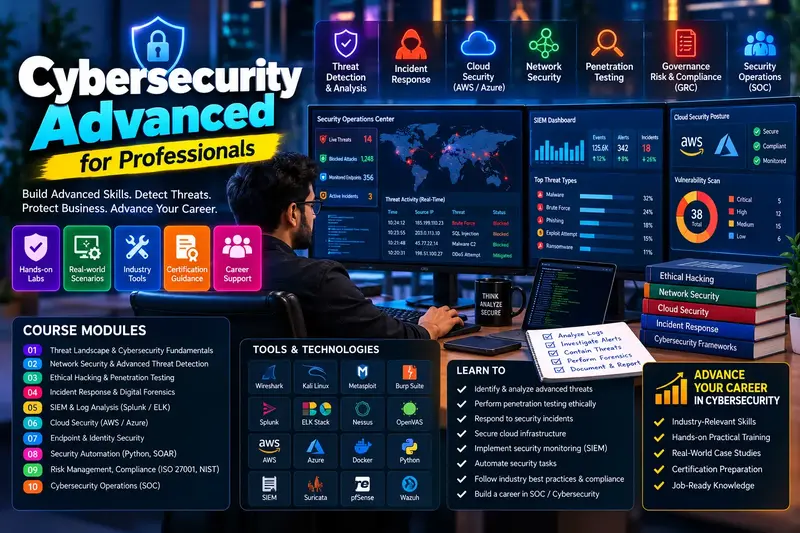
Windows 11 Advanced
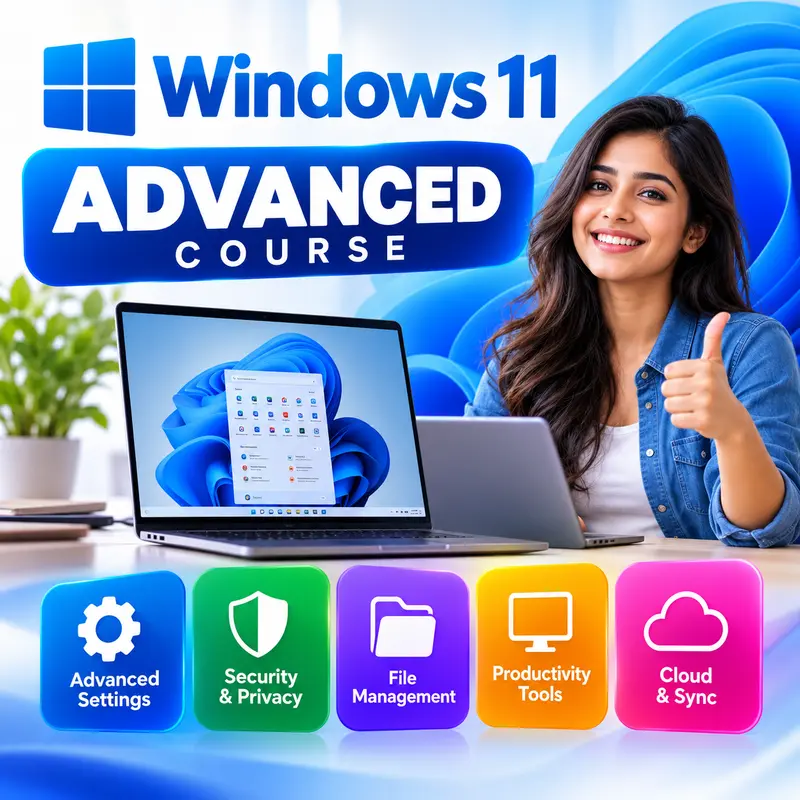
This course is for learners who already use Windows 11 every day and want to work like a power user or start an IT support career. You will master multitasking and File Explorer, manage user accounts and file permissions, look after disks, backups and BitLocker, set up and troubleshoot networks, use Task Manager, Device Manager and Event Viewer, work in Terminal, Command Prompt and PowerShell, automate jobs with Task Scheduler, and repair a PC that will not start. Complete Windows 11 Basics (or have equal experience) before you begin.
👨🏫 By Nishu DigiLearn, a Tessovate Technologies initiative
Total including GST • applied automatically at checkout
🎉 Special online price
Already have an account? Sign inWhat you'll learn
Curriculum
9 modules • 25 lessons • 6 weeks
1 Power User Navigation Week 1 • 3 lessons FREE PREVIEW
Work faster with Snap layouts, virtual desktops, pro shortcuts and the hidden power of File Explorer.
✅ Quiz after each lesson • 📥 PDF notes
Preview this module →2 User Accounts and Security Week 1-2 • 3 lessons
Create and manage accounts, control administrator rights, secure sign-in and set file permissions and sharing.
✅ Quiz after each lesson • 📥 PDF notes
3 Storage, Backup and Encryption Week 2 • 3 lessons
Manage disks and partitions, choose the right file system, free up space, back up and protect data with BitLocker.
✅ Quiz after each lesson • 📥 PDF notes
4 Networking and Internet Week 3 • 3 lessons
Understand IP addresses and DNS, use network commands, share connections and control the firewall.
✅ Quiz after each lesson • 📥 PDF notes
5 System Tools and Performance Week 3-4 • 3 lessons
Use Task Manager, Services, Device Manager, Event Viewer and power settings to keep a PC fast and healthy.
✅ Quiz after each lesson • 📥 PDF notes
6 Command Line and Automation Week 4-5 • 3 lessons
Work in Windows Terminal with Command Prompt and PowerShell, install apps with winget and automate tasks.
✅ Quiz after each lesson • 📥 PDF notes
7 Troubleshooting and Recovery Week 5 • 3 lessons
Repair Windows with Safe Mode, SFC and DISM, recover a PC that will not start, and reset it when needed.
✅ Quiz after each lesson • 📥 PDF notes
8 Remote Help and Pro Features Week 6 • 3 lessons
Help others remotely, connect your phone, focus better and try the extra tools in Windows 11 Pro.
✅ Quiz after each lesson • 📥 PDF notes
9 Final Assessment Week 6 • 1 lesson
A timed test covering the whole course. Pass it to complete the course and earn your certificate.
✅ Quiz after each lesson • 📥 PDF notes
Requirements
- Basic computer use (Level 1 or equivalent)
- No accounting software experience needed
- A computer to practise on is recommended
🏆 Certificate
Finish all modules and pass each lesson quiz (70%) to earn your unique NDL certificate with QR verification.
📚
Finish lessons
✅
Pass quizzes (70%)
🎓
Get certified
Course FAQ
Is this course good for beginners?
It builds on basic computer skills. If you are new to computers, start with a Level 1 course first.
Will I get a certificate?
Yes. Finish all modules and pass the lesson quizzes (70%) to earn your unique NDL certificate with QR verification.
Can I learn online or at the institute?
Both. Learn from home online or attend at our institute, with the same quality either way.
How do I pay?
Pay securely through Razorpay with UPI, cards or netbanking. The price is ₹3,999 plus 18% GST, shown at checkout. Use code LAUNCH50 for a discount.
What's included
- ✓9 modules over 6 weeks
- ✓25 video lessons
- ✓Quiz after every lesson
- ✓PDF notes (watermarked with your name)
- ✓Unique NDL certificate with QR
- ✓Attendance & streak tracker
- ✓WhatsApp support
Need help choosing?
Talk to us on WhatsApp for free guidance on the right course.
WhatsApp us📞 +91 76769 02281
Ready to start?
₹3,999 + GST, lifetime access.
Related courses

Basic Computer Course
6 modules • 8 weeks
🏆 Certificate included
Windows 11 Basics
6 modules • 4 weeks
🏆 Certificate included

Digital Safety and UPI for Everyone
6 modules • 2 weeks
🏆 Certificate included
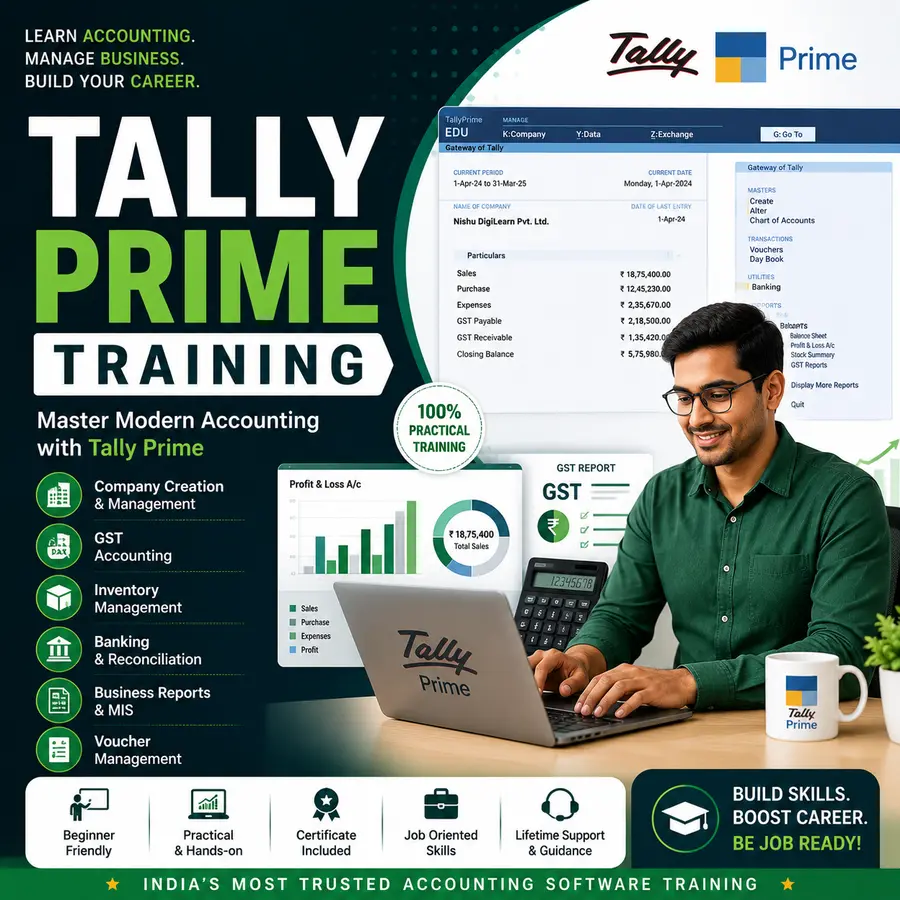
Tally Prime Complete Course
5 modules • 10 weeks
🏆 Certificate included