









Web Design Basics
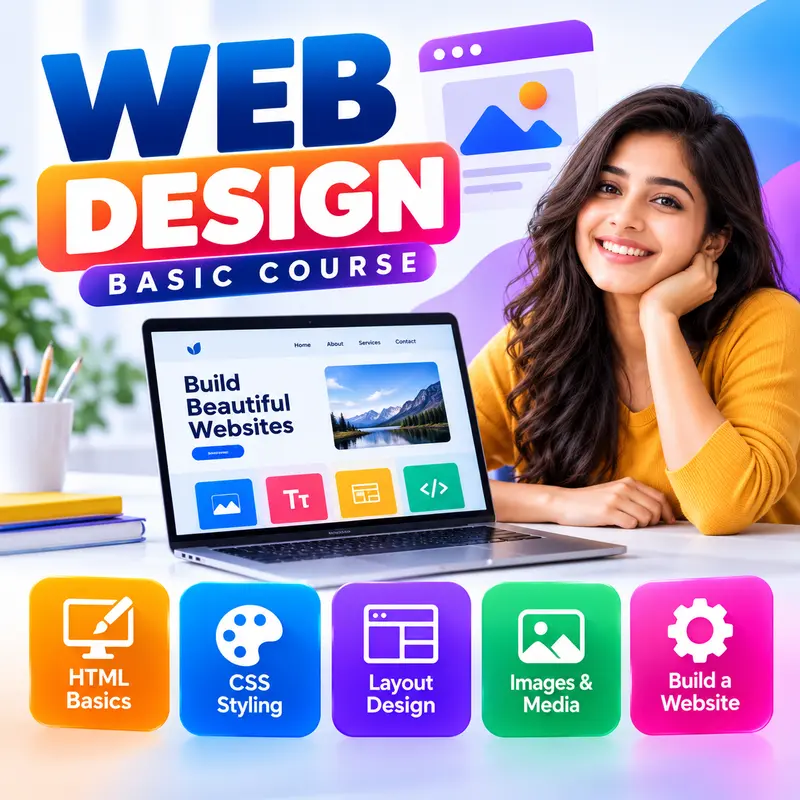
Build your first websites from scratch, with no coding experience needed. You will learn how the web works, write clean HTML, style pages with CSS, create layouts with Flexbox and Grid, make every page work on mobile phones, apply simple design rules that make sites look professional, and finally publish your own website on the internet. You finish the course with a complete one-page business website you can show to employers or clients.
👨🏫 By Nishu DigiLearn, a Tessovate Technologies initiative
Total including GST • applied automatically at checkout
🎉 Special online price
Already have an account? Sign inWhat you'll learn
Curriculum
9 modules • 25 lessons • 6 weeks
1 How the Web Works Week 1 • 3 lessons FREE PREVIEW
Understand websites, browsers, servers and domains, and set up the free tools every web designer uses.
✅ Quiz after each lesson • 📥 PDF notes
Preview this module →2 HTML Foundations Week 1-2 • 3 lessons
Write correct HTML pages with headings, text, lists, links and images.
✅ Quiz after each lesson • 📥 PDF notes
3 HTML in Practice Week 2 • 3 lessons
Build page layouts with semantic tags, add tables and create contact forms.
✅ Quiz after each lesson • 📥 PDF notes
4 CSS Basics Week 3 • 3 lessons
Style your pages with selectors, colours, fonts and the box model.
✅ Quiz after each lesson • 📥 PDF notes
5 Layout with Flexbox and Grid Week 3-4 • 3 lessons
Arrange elements in rows, columns and grids with modern CSS layout.
✅ Quiz after each lesson • 📥 PDF notes
6 Responsive Design Week 4 • 3 lessons
Make every page look great on phones, tablets and laptops.
✅ Quiz after each lesson • 📥 PDF notes
7 Design That Looks Professional Week 5 • 3 lessons
Apply simple design principles, choose colours and fonts, and add polish with hover effects.
✅ Quiz after each lesson • 📥 PDF notes
8 Publish Your Website Week 5-6 • 3 lessons
Prepare your site for Google, put it online and build a complete one-page business website.
✅ Quiz after each lesson • 📥 PDF notes
9 Final Assessment Week 6 • 1 lesson
A timed test covering the whole course. Pass it to complete the course and earn your certificate.
✅ Quiz after each lesson • 📥 PDF notes
Requirements
- No prior computer knowledge needed
- Open to anyone aged 10 and above
- A phone or computer with internet
🏆 Certificate
Finish all modules and pass each lesson quiz (70%) to earn your unique NDL certificate with QR verification.
📚
Finish lessons
✅
Pass quizzes (70%)
🎓
Get certified
Course FAQ
Is this course good for beginners?
Yes. It starts from the very basics, with practical tasks and a quiz after each lesson.
Will I get a certificate?
Yes. Finish all modules and pass the lesson quizzes (70%) to earn your unique NDL certificate with QR verification.
Can I learn online or at the institute?
Both. Learn from home online or attend at our institute, with the same quality either way.
How do I pay?
Pay securely through Razorpay with UPI, cards or netbanking. The price is ₹799 plus 18% GST, shown at checkout. Use code LAUNCH50 for a discount.
What's included
- ✓9 modules over 6 weeks
- ✓25 video lessons
- ✓Quiz after every lesson
- ✓PDF notes (watermarked with your name)
- ✓Unique NDL certificate with QR
- ✓Attendance & streak tracker
- ✓WhatsApp support
Need help choosing?
Talk to us on WhatsApp for free guidance on the right course.
WhatsApp us📞 +91 76769 02281
Ready to start?
₹799 + GST, lifetime access.
Related courses
Graphic Design with Canva and Photoshop
9 modules • 6 weeks
🏆 Certificate included
Video Editing for Reels and YouTube
8 modules • 5 weeks
🏆 Certificate included
WordPress Website Building
9 modules • 6 weeks
🏆 Certificate included
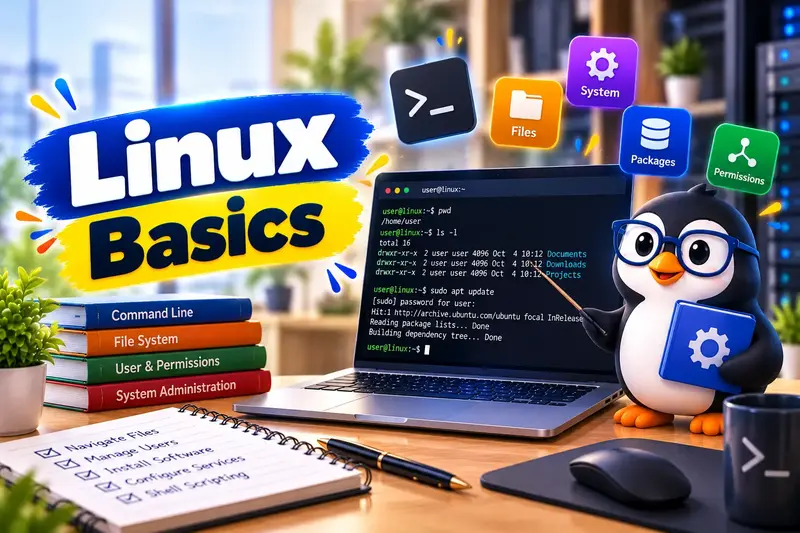
Linux Basic Course
9 modules • 6 weeks
🏆 Certificate included