








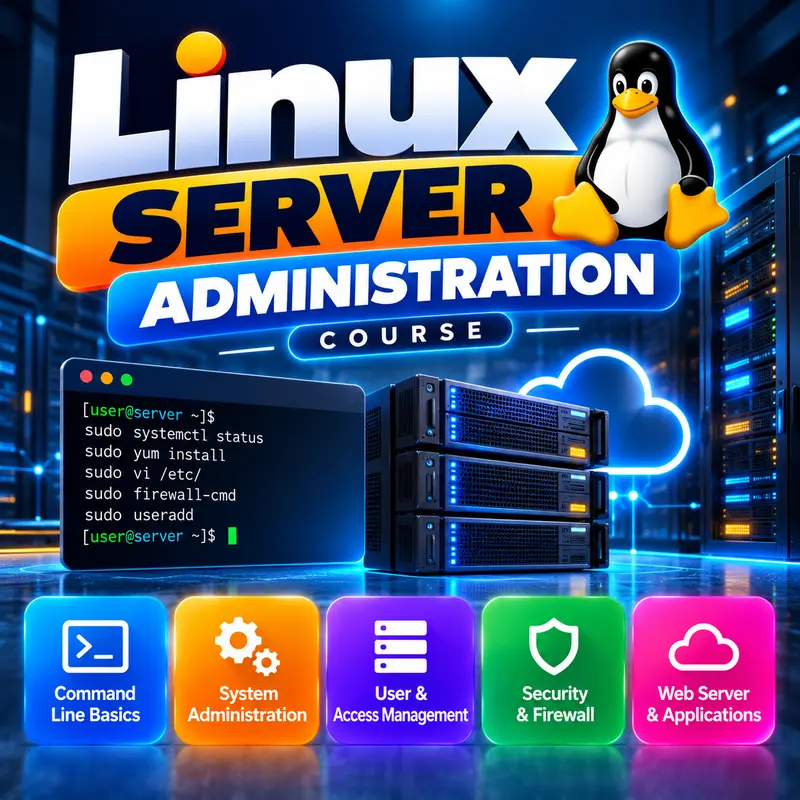











Linux Server Administration
This course is for learners who have finished Linux Basic and want jobs in web hosting, IT support or system administration. You will work on a cloud VPS running Ubuntu Server 24.04 LTS, with short notes on Debian, AlmaLinux and Rocky Linux. You will learn to connect securely with SSH keys, manage users and services, set up a firewall, host websites with Nginx, PHP and free SSL, run MySQL or MariaDB databases, configure DNS records and take reliable backups. By the end you can build, secure and troubleshoot a complete web server on your own.
👨🏫 By Nishu DigiLearn, a Tessovate Technologies initiative
Total including GST • applied automatically at checkout
🎉 Special online price
Already have an account? Sign inWhat you'll learn
Curriculum
9 modules • 25 lessons • 8 weeks
1 Your First Server Week 1 • 3 lessons FREE PREVIEW
Understand what a VPS is, choose the right operating system, connect with SSH and do the first setup steps on a new server.
✅ Quiz after each lesson • 📥 PDF notes
Preview this module →2 Users, Permissions & SSH Security Week 2 • 3 lessons
Create admin users, understand Linux file permissions, log in with SSH keys and lock out attackers with fail2ban.
✅ Quiz after each lesson • 📥 PDF notes
3 Packages, Services & Processes Week 3 • 3 lessons
Install and remove software with apt, control services with systemctl, read logs with journalctl and manage running processes.
✅ Quiz after each lesson • 📥 PDF notes
4 Networking & Firewall Week 4 • 3 lessons
Check IP addresses and open ports, test connections with ping, curl and dig, and protect the server with the UFW firewall.
✅ Quiz after each lesson • 📥 PDF notes
5 Web Server: Nginx, PHP & SSL Week 5 • 3 lessons
Install Nginx, host several websites with server blocks, run PHP with PHP-FPM and add free HTTPS with Let's Encrypt.
✅ Quiz after each lesson • 📥 PDF notes
6 Databases: MySQL & MariaDB Week 6 • 3 lessons
Install and secure MySQL or MariaDB, create databases and users with the right privileges, and back up and restore with mysqldump.
✅ Quiz after each lesson • 📥 PDF notes
7 Domains, DNS & Email Basics Week 7 • 3 lessons
Understand DNS records and propagation, the basics of email authentication with SPF, DKIM and DMARC, and when to use a hosting panel.
✅ Quiz after each lesson • 📥 PDF notes
8 Monitoring, Backups & Troubleshooting Week 8 • 3 lessons
Check disk, memory and load, read logs, schedule jobs with cron, build reliable rsync backups and fix the most common server problems.
✅ Quiz after each lesson • 📥 PDF notes
9 Final Assessment Week 8 • 1 lesson
A timed test covering the whole course. Pass it to complete the course and earn your certificate.
✅ Quiz after each lesson • 📥 PDF notes
Requirements
- Comfortable with Level 1 and 2 skills
- A computer to practise on
🏆 Certificate
Finish all modules and pass each lesson quiz (70%) to earn your unique NDL certificate with QR verification.
📚
Finish lessons
✅
Pass quizzes (70%)
🎓
Get certified
Course FAQ
Is this course good for beginners?
It builds on basic computer skills. If you are new to computers, start with a Level 1 course first.
Will I get a certificate?
Yes. Finish all modules and pass the lesson quizzes (70%) to earn your unique NDL certificate with QR verification.
Can I learn online or at the institute?
Both. Learn from home online or attend at our institute, with the same quality either way.
How do I pay?
Pay securely through Razorpay with UPI, cards or netbanking. The price is ₹2,499 plus 18% GST, shown at checkout. Use code LAUNCH50 for a discount.
What's included
- ✓9 modules over 8 weeks
- ✓25 video lessons
- ✓Quiz after every lesson
- ✓PDF notes (watermarked with your name)
- ✓Unique NDL certificate with QR
- ✓Attendance & streak tracker
- ✓WhatsApp support
Need help choosing?
Talk to us on WhatsApp for free guidance on the right course.
WhatsApp us📞 +91 76769 02281
Ready to start?
₹2,499 + GST, lifetime access.
Related courses
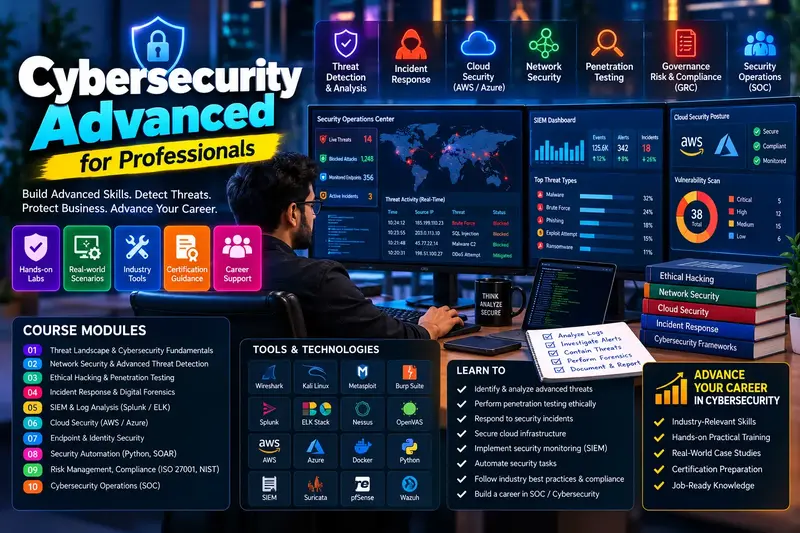
Cybersecurity Specialist: All Domains
14 modules • 16 weeks
🏆 Certificate included

Computer Hardware and Networking
9 modules • 8 weeks
🏆 Certificate included
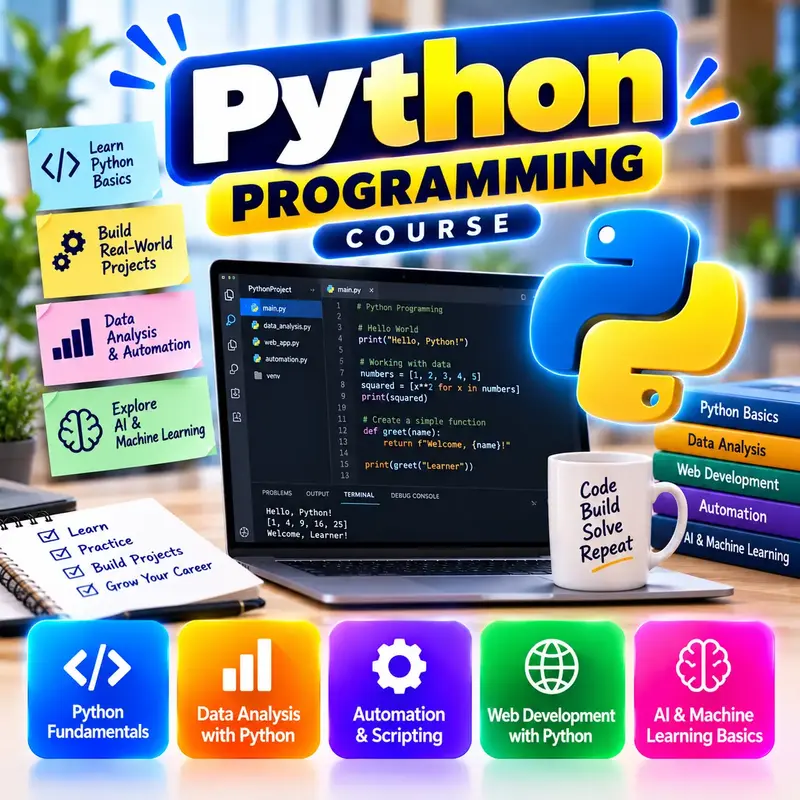
Python Programming Basics
9 modules • 8 weeks
🏆 Certificate included
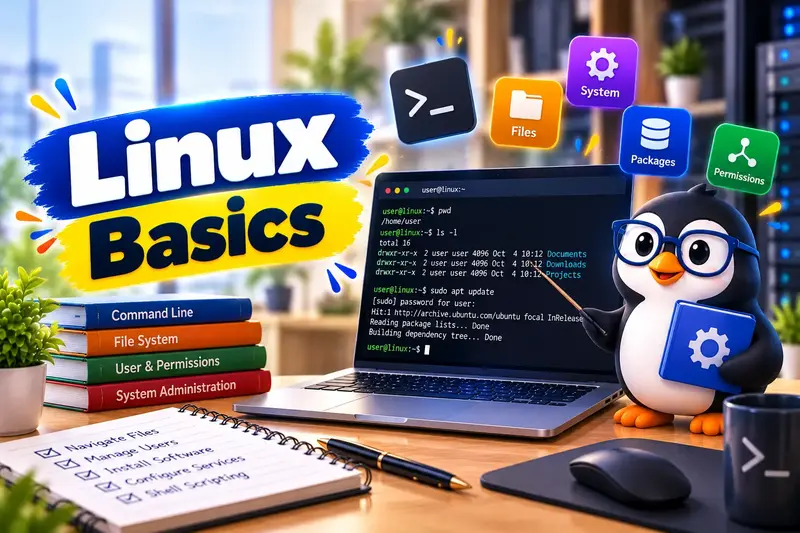
Linux Basic Course
9 modules • 6 weeks
🏆 Certificate included