













MS Excel for Jobs
This course is for learners who know basic computer use and want an office, data-entry or accounts job. You will learn Microsoft Excel step by step: entering and formatting data, writing formulas, using IF, COUNTIFS, SUMIFS, VLOOKUP and XLOOKUP, managing data with tables and filters, and summarising it with PivotTables and charts. You will then build real job files such as a GST invoice, a salary and attendance sheet and a stock register. After the course you can work confidently in Excel at an office desk and show your practice files in interviews.
👨🏫 By Nishu DigiLearn, a Tessovate Technologies initiative
Total including GST • applied automatically at checkout
🎉 Special online price
Already have an account? Sign inWhat you'll learn
Curriculum
9 modules • 25 lessons • 6 weeks
1 Excel Essentials Week 1 • 3 lessons FREE PREVIEW
Find your way around Excel, enter data quickly with AutoFill and Flash Fill, and format cells so sheets look professional.
✅ Quiz after each lesson • 📥 PDF notes
Preview this module →2 Formulas & Functions Week 1-2 • 3 lessons
Write your own formulas, understand relative and absolute references, and use the most common functions.
✅ Quiz after each lesson • 📥 PDF notes
3 Logic & Text Week 2-3 • 3 lessons
Make decisions with IF, count and add with conditions, clean text and work with dates.
✅ Quiz after each lesson • 📥 PDF notes
4 Lookups Week 3 • 3 lessons
Find and bring data from one table to another with VLOOKUP, XLOOKUP and INDEX + MATCH, and handle lookup errors.
✅ Quiz after each lesson • 📥 PDF notes
5 Data Management Week 4 • 3 lessons
Organise data in tables, sort and filter it, remove duplicates, control entry with dropdowns and highlight important values.
✅ Quiz after each lesson • 📥 PDF notes
6 Analysis Week 4-5 • 3 lessons
Summarise thousands of rows in seconds with PivotTables, add slicers and PivotCharts, and choose the right chart.
✅ Quiz after each lesson • 📥 PDF notes
7 Excel at Work Week 5-6 • 3 lessons
Build real office files: a GST invoice template, a salary and attendance sheet, and a stock register.
✅ Quiz after each lesson • 📥 PDF notes
8 Productivity & Sharing Week 6 • 3 lessons
Work faster with keyboard shortcuts, protect your files, print and save as PDF correctly, and share work through OneDrive.
✅ Quiz after each lesson • 📥 PDF notes
9 Final Assessment Week 6 • 1 lesson
A timed test covering the whole course. Pass it to complete the course and earn your certificate.
✅ Quiz after each lesson • 📥 PDF notes
Requirements
- Basic computer use (Level 1 or equivalent)
- No accounting software experience needed
- A computer to practise on is recommended
🏆 Certificate
Finish all modules and pass each lesson quiz (70%) to earn your unique NDL certificate with QR verification.
📚
Finish lessons
✅
Pass quizzes (70%)
🎓
Get certified
Course FAQ
Is this course good for beginners?
It builds on basic computer skills. If you are new to computers, start with a Level 1 course first.
Will I get a certificate?
Yes. Finish all modules and pass the lesson quizzes (70%) to earn your unique NDL certificate with QR verification.
Can I learn online or at the institute?
Both. Learn from home online or attend at our institute, with the same quality either way.
How do I pay?
Pay securely through Razorpay with UPI, cards or netbanking. The price is ₹999 plus 18% GST, shown at checkout. Use code LAUNCH50 for a discount.
What's included
- ✓9 modules over 6 weeks
- ✓25 video lessons
- ✓Quiz after every lesson
- ✓PDF notes (watermarked with your name)
- ✓Unique NDL certificate with QR
- ✓Attendance & streak tracker
- ✓WhatsApp support
Need help choosing?
Talk to us on WhatsApp for free guidance on the right course.
WhatsApp us📞 +91 76769 02281
Ready to start?
₹999 + GST, lifetime access.
Related courses

AI Tools for Work
8 modules • 4 weeks
🏆 Certificate included
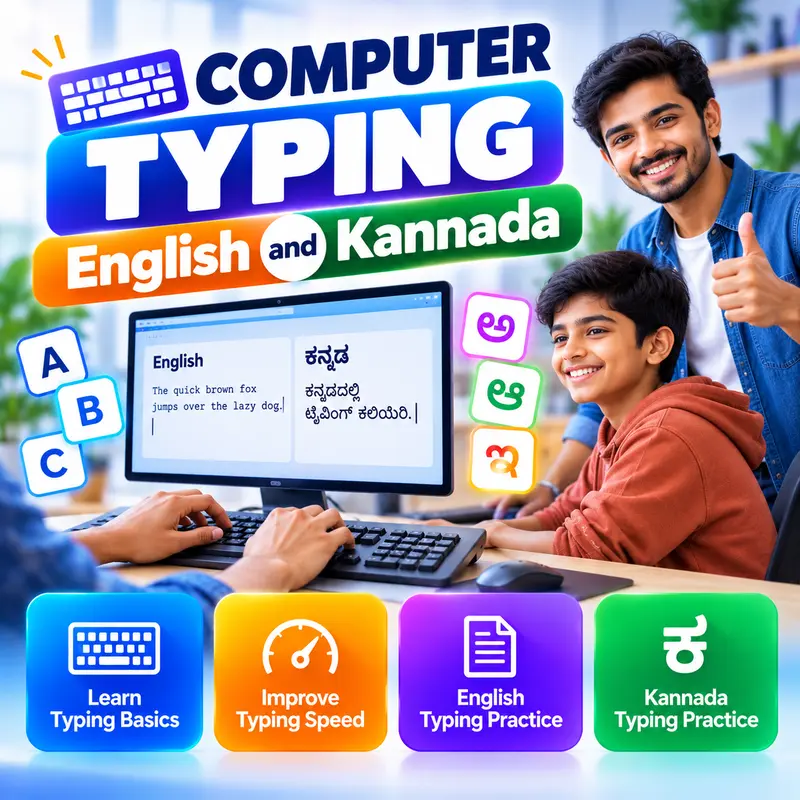
Computer Typing: English and Kannada
9 modules • 6 weeks
🏆 Certificate included

MS Word and PowerPoint for Office
9 modules • 5 weeks
🏆 Certificate included
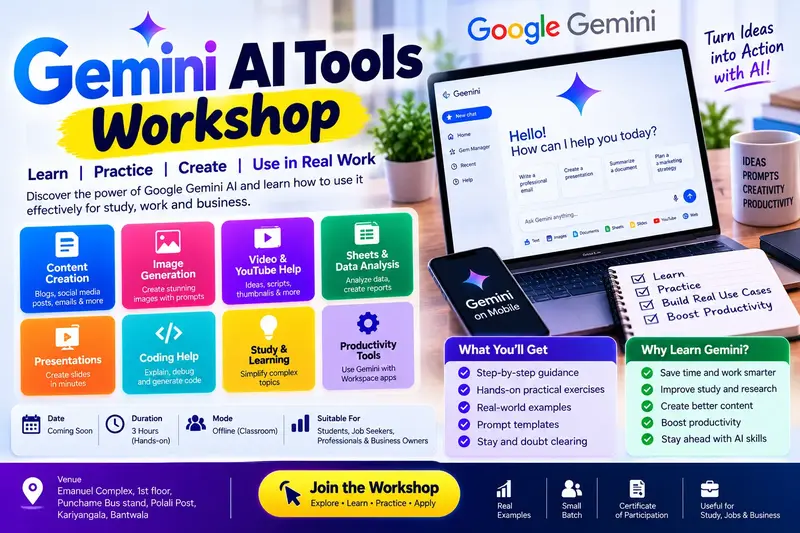
Gemini AI Tools Workshop: 8 Practical Parts
10 modules • 4 weeks
🏆 Certificate included