





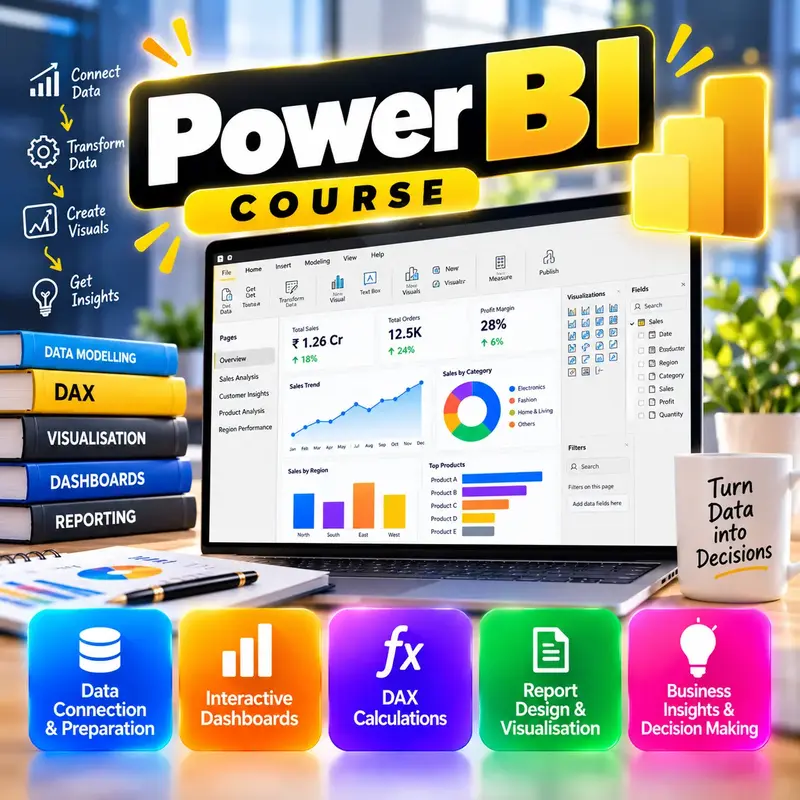










Data Analysis with Excel and Power BI
This course is for learners who have finished MS Excel for Jobs (or know Excel basics well) and want to work as a data analyst or MIS executive. You will learn to clean messy data with Power Query, analyse it with advanced PivotTables, dynamic arrays and the Data Model, and write basic DAX measures. Then you will build interactive reports and dashboards in Power BI Desktop, including time intelligence such as year-to-date and growth over last year. By the end you can turn raw sales data into a clear, shareable dashboard and you will have a finished retail sales project for your portfolio.
👨🏫 By Nishu DigiLearn, a Tessovate Technologies initiative
Total including GST • applied automatically at checkout
🎉 Special online price
Already have an account? Sign inWhat you'll learn
Curriculum
9 modules • 25 lessons • 8 weeks
1 Thinking Like an Analyst Week 1 • 3 lessons FREE PREVIEW
Learn the analysis process, the types of data you will meet, how to choose KPIs and how to tell good charts from bad ones.
✅ Quiz after each lesson • 📥 PDF notes
Preview this module →2 Clean Data with Power Query Week 2 • 3 lessons
Use Power Query in Excel to import, clean, reshape and combine data, and refresh it with one click every month.
✅ Quiz after each lesson • 📥 PDF notes
3 Analysis in Excel Week 3 • 3 lessons
Analyse clean data with Excel tables, advanced PivotTables, dynamic array formulas, XLOOKUP and Goal Seek.
✅ Quiz after each lesson • 📥 PDF notes
4 Data Model & Power Pivot Week 4 • 3 lessons
Connect tables with relationships, design a simple star schema and write your first DAX measures in Excel.
✅ Quiz after each lesson • 📥 PDF notes
5 Power BI Desktop Basics Week 5 • 3 lessons
Install Power BI Desktop, learn its views, bring in and shape data, and build your first interactive report with slicers.
✅ Quiz after each lesson • 📥 PDF notes
6 DAX & Time Intelligence Week 6 • 3 lessons
Write useful measures, control filters with CALCULATE, build a proper date table and calculate year-to-date and growth.
✅ Quiz after each lesson • 📥 PDF notes
7 Dashboards & Storytelling Week 7 • 3 lessons
Design clean, accessible dashboards with drill-down, tooltips and bookmarks, and present data honestly as a clear story.
✅ Quiz after each lesson • 📥 PDF notes
8 Sharing & Projects Week 8 • 3 lessons
Publish and share reports in the Power BI service, export to PDF and PowerPoint, build a retail sales dashboard and create your portfolio.
✅ Quiz after each lesson • 📥 PDF notes
9 Final Assessment Week 8 • 1 lesson
A timed test covering the whole course. Pass it to complete the course and earn your certificate.
✅ Quiz after each lesson • 📥 PDF notes
Requirements
- Comfortable with Level 1 and 2 skills
- A computer to practise on
🏆 Certificate
Finish all modules and pass each lesson quiz (70%) to earn your unique NDL certificate with QR verification.
📚
Finish lessons
✅
Pass quizzes (70%)
🎓
Get certified
Course FAQ
Is this course good for beginners?
It builds on basic computer skills. If you are new to computers, start with a Level 1 course first.
Will I get a certificate?
Yes. Finish all modules and pass the lesson quizzes (70%) to earn your unique NDL certificate with QR verification.
Can I learn online or at the institute?
Both. Learn from home online or attend at our institute, with the same quality either way.
How do I pay?
Pay securely through Razorpay with UPI, cards or netbanking. The price is ₹2,499 plus 18% GST, shown at checkout. Use code LAUNCH50 for a discount.
What's included
- ✓9 modules over 8 weeks
- ✓25 video lessons
- ✓Quiz after every lesson
- ✓PDF notes (watermarked with your name)
- ✓Unique NDL certificate with QR
- ✓Attendance & streak tracker
- ✓WhatsApp support
Need help choosing?
Talk to us on WhatsApp for free guidance on the right course.
WhatsApp us📞 +91 76769 02281
Ready to start?
₹2,499 + GST, lifetime access.
Related courses
Business Analytics Fundamentals
9 modules • 8 weeks
🏆 Certificate included

Digital Marketing for Small Business
9 modules • 6 weeks
🏆 Certificate included
Project Management Essentials
9 modules • 6 weeks
🏆 Certificate included

Team Management and Leadership
9 modules • 6 weeks
🏆 Certificate included