















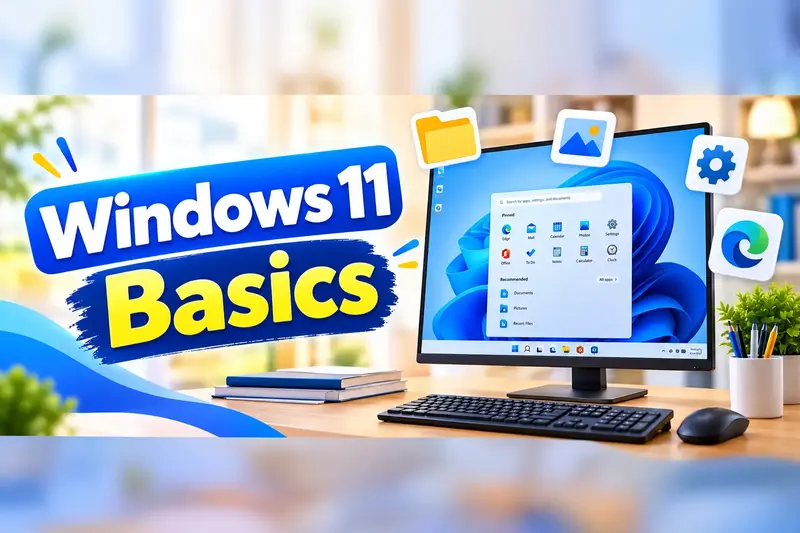

Computer Hardware and Networking
This course is for learners who want to work in IT support, a computer service centre or as a system administrator's assistant. You will learn what is inside a computer, how to choose compatible parts and assemble a PC safely, and how to install and maintain Windows 11. You will practise a step-by-step method to fix hardware faults, printer problems and network issues. You will also set up a small office network with a router, secure Wi-Fi, shared printers and your own crimped cables. By the end, you can handle common support jobs confidently and prepare for certifications such as CompTIA A+.
👨🏫 By Nishu DigiLearn, a Tessovate Technologies initiative
Total including GST • applied automatically at checkout
🎉 Special online price
Already have an account? Sign inWhat you'll learn
Curriculum
9 modules • 25 lessons • 8 weeks
1 Inside a Computer Week 1 • 3 lessons FREE PREVIEW
Meet every main part of a computer, see how desktops and laptops differ, and learn to work safely.
✅ Quiz after each lesson • 📥 PDF notes
Preview this module →2 Choosing & Assembling a PC Week 2 • 3 lessons
Pick compatible parts, assemble a desktop in the right order and set up the BIOS/UEFI for its first boot.
✅ Quiz after each lesson • 📥 PDF notes
3 Installing & Maintaining Windows Week 3 • 3 lessons
Create a Windows 11 USB installer, do a clean install, set up drivers and updates, move to an SSD and keep backups.
✅ Quiz after each lesson • 📥 PDF notes
4 Troubleshooting Hardware Week 4 • 3 lessons
Use a proven step-by-step method to fix power, display, overheating, RAM and disk problems.
✅ Quiz after each lesson • 📥 PDF notes
5 Printers & Peripherals Week 5 • 3 lessons
Understand printer types, install and share printers, fix common printing faults and choose the right UPS.
✅ Quiz after each lesson • 📥 PDF notes
6 Networking Basics Week 6 • 3 lessons
Understand IP addresses, DNS and DHCP, network cables and the devices that make a network work.
✅ Quiz after each lesson • 📥 PDF notes
7 Setting Up Small Office Networks Week 7 • 3 lessons
Configure and secure a router and Wi-Fi, share files and printers, and make and test your own network cables.
✅ Quiz after each lesson • 📥 PDF notes
8 Network Troubleshooting & Career Week 8 • 3 lessons
Use command-line tools to find network faults, document your work, handle customers well and plan your IT support career.
✅ Quiz after each lesson • 📥 PDF notes
9 Final Assessment Week 8 • 1 lesson
A timed test covering the whole course. Pass it to complete the course and earn your certificate.
✅ Quiz after each lesson • 📥 PDF notes
Requirements
- Basic computer use (Level 1 or equivalent)
- No accounting software experience needed
- A computer to practise on is recommended
🏆 Certificate
Finish all modules and pass each lesson quiz (70%) to earn your unique NDL certificate with QR verification.
📚
Finish lessons
✅
Pass quizzes (70%)
🎓
Get certified
Course FAQ
Is this course good for beginners?
It builds on basic computer skills. If you are new to computers, start with a Level 1 course first.
Will I get a certificate?
Yes. Finish all modules and pass the lesson quizzes (70%) to earn your unique NDL certificate with QR verification.
Can I learn online or at the institute?
Both. Learn from home online or attend at our institute, with the same quality either way.
How do I pay?
Pay securely through Razorpay with UPI, cards or netbanking. The price is ₹1,999 plus 18% GST, shown at checkout. Use code LAUNCH50 for a discount.
What's included
- ✓9 modules over 8 weeks
- ✓25 video lessons
- ✓Quiz after every lesson
- ✓PDF notes (watermarked with your name)
- ✓Unique NDL certificate with QR
- ✓Attendance & streak tracker
- ✓WhatsApp support
Need help choosing?
Talk to us on WhatsApp for free guidance on the right course.
WhatsApp us📞 +91 76769 02281
Ready to start?
₹1,999 + GST, lifetime access.
Related courses
Python Programming Basics
9 modules • 8 weeks
🏆 Certificate included
Linux Basic Course
9 modules • 6 weeks
🏆 Certificate included
Linux Server Administration
9 modules • 8 weeks
🏆 Certificate included
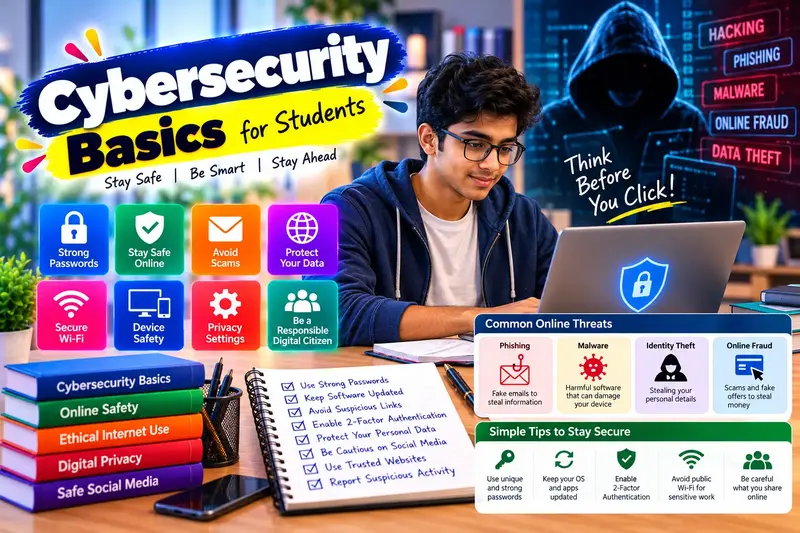
Cybersecurity Fundamentals
15 modules • 8 weeks
🏆 Certificate included