

















Computer Typing: English and Kannada
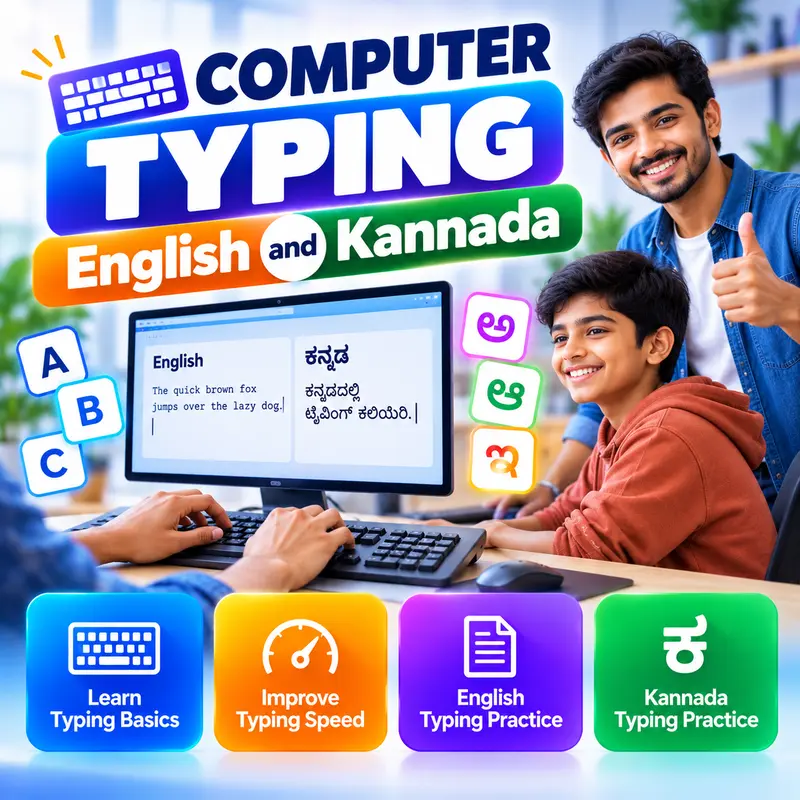
Learn to type fast and accurately in English and Kannada, starting from the very first key. This course is for beginners, students preparing for government and office jobs that include a typing test, and DTP and office staff in Karnataka. You will learn correct posture and touch typing, numbers and symbols, how to measure and improve your speed, and how to set up and type Kannada in Unicode using Nudi, Windows keyboards and your phone. By the end you can type letters, documents and data in both languages and practise confidently for timed typing tests.
👨🏫 By Nishu DigiLearn, a Tessovate Technologies initiative
What you'll learn
Curriculum
9 modules • 25 lessons • 6 weeks
1 Getting Ready Week 1 • 3 lessons FREE PREVIEW
Set up a healthy typing position, understand the keyboard layout and learn which finger presses each key.
✅ Quiz after each lesson • 📥 PDF notes
Preview this module →2 Touch Typing Letters Week 1-2 • 3 lessons
Train each finger on the home, top and bottom rows with focused drills and real words.
✅ Quiz after each lesson • 📥 PDF notes
3 Numbers, Symbols and Shift Week 2 • 3 lessons
Type numbers, capital letters, punctuation, the rupee symbol and use the numeric keypad.
✅ Quiz after each lesson • 📥 PDF notes
4 Speed and Accuracy Week 3 • 3 lessons
Measure your speed and accuracy, follow a daily practice routine and understand how typing tests are scored.
✅ Quiz after each lesson • 📥 PDF notes
5 Kannada Typing Setup Week 3-4 • 3 lessons
Understand Unicode and set up Kannada typing with Nudi, Windows keyboards and your phone.
✅ Quiz after each lesson • 📥 PDF notes
6 Kannada Typing Practice Week 4 • 3 lessons
Practise Kannada vowels, consonants, vowel signs and ottaksharas using a phonetic layout.
✅ Quiz after each lesson • 📥 PDF notes
7 Typing in Real Work Week 5 • 3 lessons
Type formatted letters in Word, enter data accurately in Excel and create bilingual documents that display everywhere.
✅ Quiz after each lesson • 📥 PDF notes
8 Exam and Job Preparation Week 5-6 • 3 lessons
Practise timed tests, avoid common mistakes, edit quickly with shortcuts and keep your hands healthy.
✅ Quiz after each lesson • 📥 PDF notes
9 Final Assessment Week 6 • 1 lesson
A timed test covering the whole course. Pass it to complete the course and earn your certificate.
✅ Quiz after each lesson • 📥 PDF notes
Requirements
- No prior computer knowledge needed
- Open to anyone aged 10 and above
- A phone or computer with internet
🏆 Certificate
Finish all modules and pass each lesson quiz (70%) to earn your unique NDL certificate with QR verification.
📚
Finish lessons
✅
Pass quizzes (70%)
🎓
Get certified
Course FAQ
Is this course good for beginners?
Yes. It starts from the very basics, with practical tasks and a quiz after each lesson.
Will I get a certificate?
Yes. Finish all modules and pass the lesson quizzes (70%) to earn your unique NDL certificate with QR verification.
Can I learn online or at the institute?
Both. Learn from home online or attend at our institute, with the same quality either way.
How do I pay?
Pay securely through Razorpay with UPI, cards or netbanking. The price is ₹499 plus 18% GST, shown at checkout. Use code LAUNCH50 for a discount.
What's included
- ✓9 modules over 6 weeks
- ✓25 video lessons
- ✓Quiz after every lesson
- ✓PDF notes (watermarked with your name)
- ✓Unique NDL certificate with QR
- ✓Attendance & streak tracker
- ✓WhatsApp support
Need help choosing?
Talk to us on WhatsApp for free guidance on the right course.
WhatsApp us📞 +91 76769 02281
Ready to start?
₹499 + GST, lifetime access.
Related courses

AI Tools for Work
8 modules • 4 weeks
🏆 Certificate included

MS Word and PowerPoint for Office
9 modules • 5 weeks
🏆 Certificate included

Gemini AI Tools Workshop: 8 Practical Parts
10 modules • 4 weeks
🏆 Certificate included

MS Excel for Jobs
9 modules • 6 weeks
🏆 Certificate included