






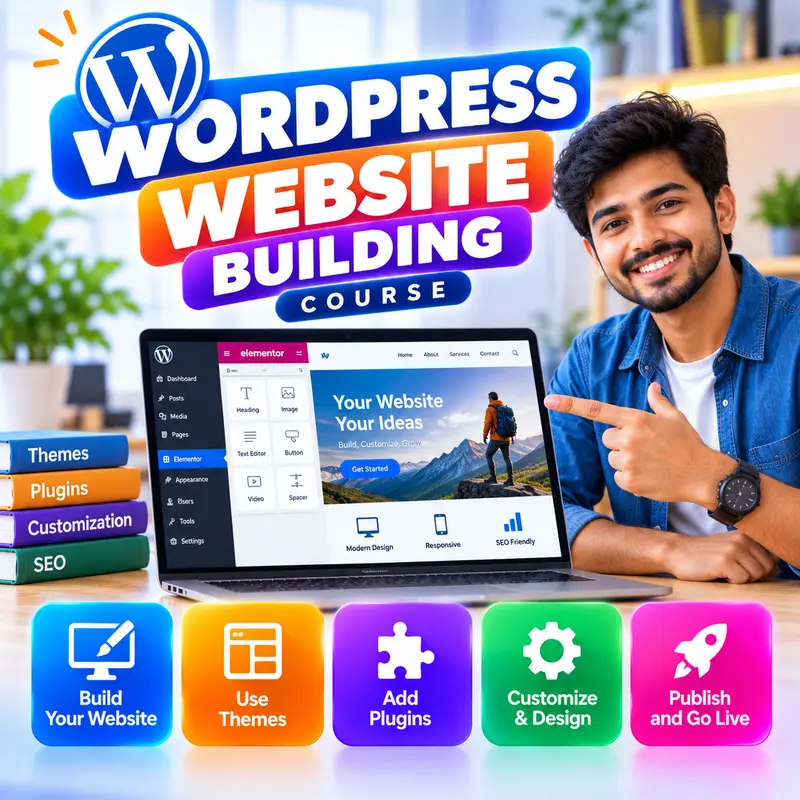
WordPress Website Building
Learn to build professional business websites with WordPress, the most popular website platform in the world. This course is for learners who have finished Web Design Basics or are comfortable using a computer, and who want to build sites for their own business or for clients. You will install WordPress, create pages and posts with the block editor, design the whole site with a block theme and the Site Editor, add contact forms, WhatsApp buttons, maps and a small online shop, and make the site fast, secure and easy to find on Google. By the end you can build, maintain and hand over a complete WordPress website to a client.
👨🏫 By Nishu DigiLearn, a Tessovate Technologies initiative
Total including GST • applied automatically at checkout
🎉 Special online price
Already have an account? Sign inWhat you'll learn
Curriculum
9 modules • 25 lessons • 6 weeks
1 WordPress Basics Week 1 • 3 lessons FREE PREVIEW
Understand what WordPress is, how it works, what hosting it needs and how to install it.
✅ Quiz after each lesson • 📥 PDF notes
Preview this module →2 Dashboard and Settings Week 1-2 • 3 lessons
Find your way around the admin area, set up important settings and manage users.
✅ Quiz after each lesson • 📥 PDF notes
3 Creating Content Week 2 • 3 lessons
Write posts and pages, organise them, build layouts with blocks and manage images.
✅ Quiz after each lesson • 📥 PDF notes
4 Themes and the Site Editor Week 2-3 • 3 lessons
Choose a theme and design the whole site with block themes, templates, global styles and navigation.
✅ Quiz after each lesson • 📥 PDF notes
5 Plugins Week 3 • 3 lessons
Add features with plugins, choose them safely and know which types every business site needs.
✅ Quiz after each lesson • 📥 PDF notes
6 Business Features Week 4 • 3 lessons
Add contact forms, WhatsApp and call buttons, maps and a simple WooCommerce shop.
✅ Quiz after each lesson • 📥 PDF notes
7 SEO, Speed and Security Week 4-5 • 3 lessons
Help the site rank on Google, load quickly and stay safe from attacks.
✅ Quiz after each lesson • 📥 PDF notes
8 Maintenance and Client Handover Week 5-6 • 3 lessons
Back up, update and move sites safely, then hand over and price your service professionally.
✅ Quiz after each lesson • 📥 PDF notes
9 Final Assessment Week 6 • 1 lesson
A timed test covering the whole course. Pass it to complete the course and earn your certificate.
✅ Quiz after each lesson • 📥 PDF notes
Requirements
- Basic computer use (Level 1 or equivalent)
- No accounting software experience needed
- A computer to practise on is recommended
🏆 Certificate
Finish all modules and pass each lesson quiz (70%) to earn your unique NDL certificate with QR verification.
📚
Finish lessons
✅
Pass quizzes (70%)
🎓
Get certified
Course FAQ
Is this course good for beginners?
It builds on basic computer skills. If you are new to computers, start with a Level 1 course first.
Will I get a certificate?
Yes. Finish all modules and pass the lesson quizzes (70%) to earn your unique NDL certificate with QR verification.
Can I learn online or at the institute?
Both. Learn from home online or attend at our institute, with the same quality either way.
How do I pay?
Pay securely through Razorpay with UPI, cards or netbanking. The price is ₹1,499 plus 18% GST, shown at checkout. Use code LAUNCH50 for a discount.
What's included
- ✓9 modules over 6 weeks
- ✓25 video lessons
- ✓Quiz after every lesson
- ✓PDF notes (watermarked with your name)
- ✓Unique NDL certificate with QR
- ✓Attendance & streak tracker
- ✓WhatsApp support
Need help choosing?
Talk to us on WhatsApp for free guidance on the right course.
WhatsApp us📞 +91 76769 02281
Ready to start?
₹1,499 + GST, lifetime access.
Related courses
Web Design Basics
9 modules • 6 weeks
🏆 Certificate included
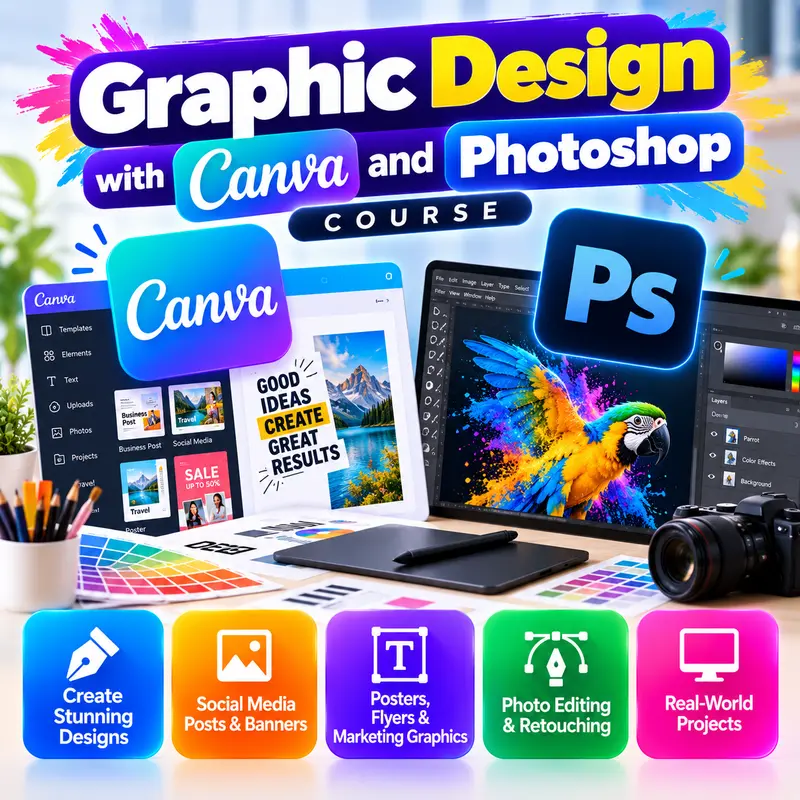
Graphic Design with Canva and Photoshop
9 modules • 6 weeks
🏆 Certificate included

Video Editing for Reels and YouTube
8 modules • 5 weeks
🏆 Certificate included

Tally Prime Complete Course
5 modules • 10 weeks
🏆 Certificate included